
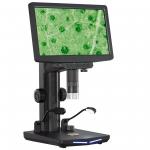
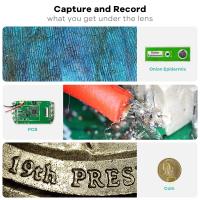
10.1-inch IPS high-definition display HDMI digital electron microscope, 50-1600 magnification, HDMI on screen display, with wireless infrared remote control, compatible with PC
SKU: GW45.0075
Q
How to set the HDMI same screen display of digital microscope?
Answer Question
A
To set the HDMI same screen display of digital microscope, you need to connect the HDMI output of digital microscope to the HDMI input of the external monitor and adjust the settings accordingly according to the instructions of the device.
Related products
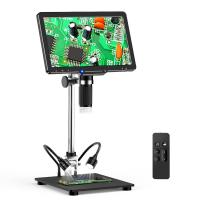

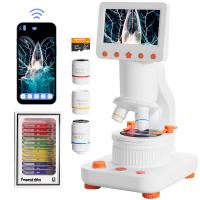

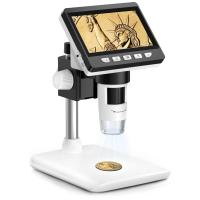
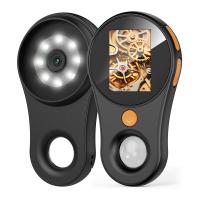
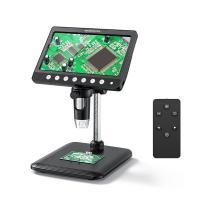
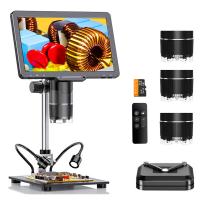

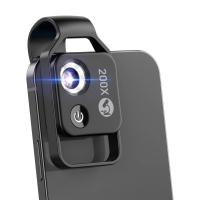
Recommended products



Related articles





Recommended articles




Popular searches
1080p Hdmi Digital Microscope
Microscope With Digital Display
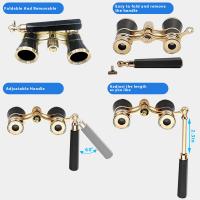
Vivitar Telescope Microscope And Binoculars Set
Hdmi Cable For Digital Camera
Top Of The Range Metal Detectors
Top Of The Range Camera Bags
The Best Trail Cameras Of 2021
Digital Camera Large Display Macro Zoom
Best Usb Digital Microscope
Digital Microscope High Resolution