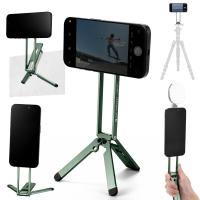
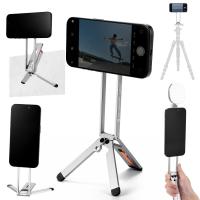
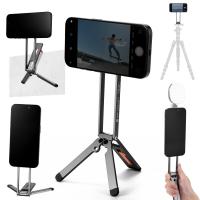
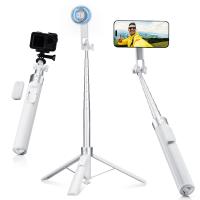
How to Use Tripod for IPhone 17?
Whether you're capturing stunning travel photos, shooting product videos, or creating aesthetic Korean-style selfies, a tripod for iPhone 17 is an absolute game-changer. In this guide, we’ll explain what a phone tripod is, when to use it, how to set it up, and why choosing the best tripod for iPhone 17 can instantly upgrade your photography.
Let’s dive into everything you need to know about using a tripod stand for iPhone 17, with practical tips and creative techniques to get professional-quality shots every time.
1. What Is a Phone Tripod?
A phone tripod is a three-legged stand designed to hold your smartphone steady while you take photos or videos. It eliminates hand shake, keeps your shots level, and gives you creative flexibility with angles and framing.
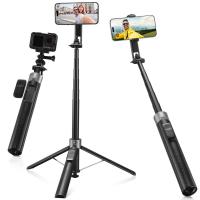
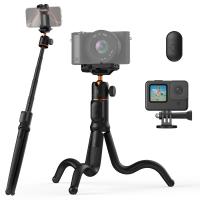
A high-quality tripod for iPhone typically comes with:
Adjustable height for versatile shooting positions
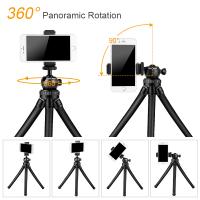
360° rotation head for landscape or portrait orientation
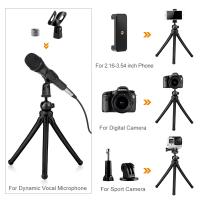
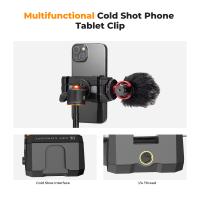
iPhone holder for tripod (or iPhone bracket for tripod) that securely grips your phone
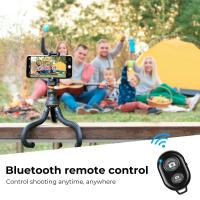
Bluetooth remote or shutter button for hands-free shooting
If you’re serious about mobile photography or content creation, using a tripod stand for iPhone isn’t optional—it’s essential. It ensures your phone remains perfectly still, producing clear, sharp, and cinematic results even in low-light or long-exposure conditions.
At K&F CONCEPT, our tripod stand for iPhone models are designed to be lightweight yet sturdy, making them ideal for travel, vlogging, and professional use.
2.When Should I Use My iPhone Tripod?
You don't want to set up an iPhone tripod for every shoot. While it might seem like overkill for simple photos, there are times when using a tripod is essential. Knowing when to use your tripod iPhone setup can transform your photography experience. Here are the top scenarios where a tripod for iPhone becomes your best friend:
1. When You Need Stability
Even the steadiest hands can cause subtle shakes that blur your images, especially in night mode or long-exposure settings. A tripod stand for iPhone ensures your phone stays perfectly still, allowing you to capture tack-sharp photos in any lighting condition. Whether you’re shooting handheld videos or experimenting with manual camera controls, stability is key to achieving a professional result.
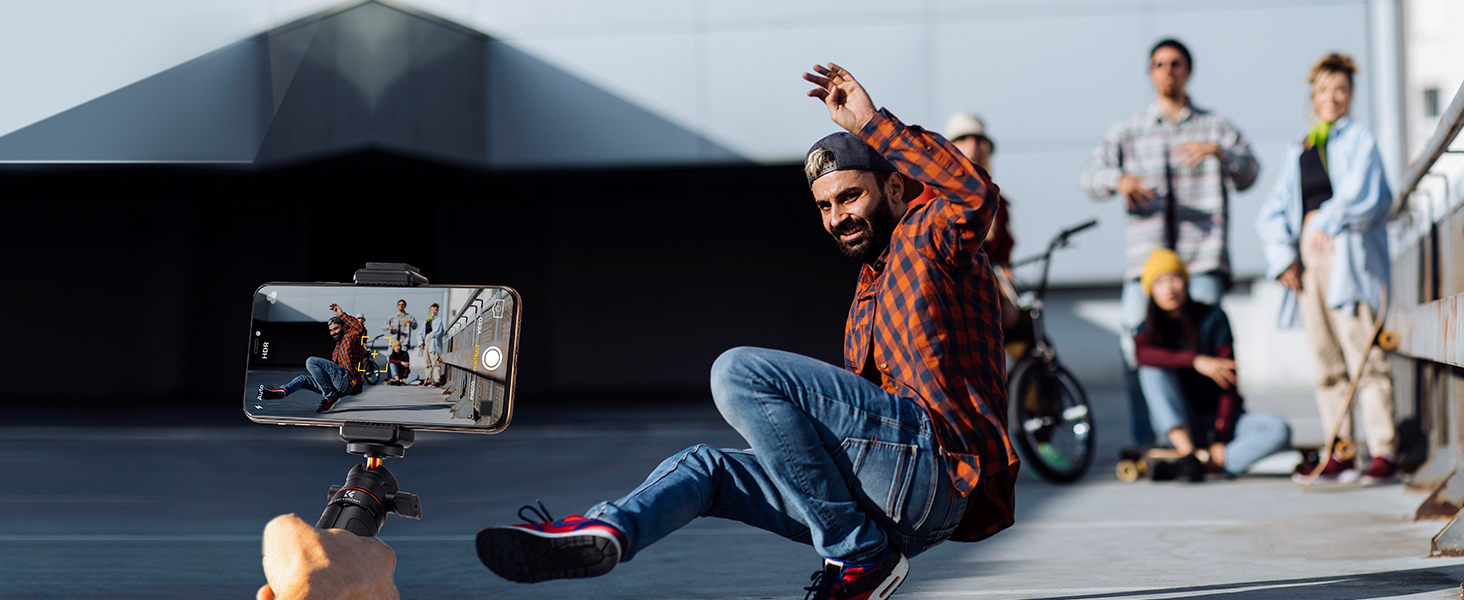
2. For Self-Portraits and Group Photos
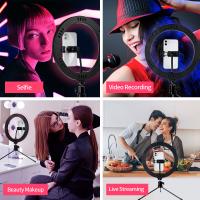
Take your selfie or group photo game up a notch. With your iPhone mounted on a tripod with remote or timer, you can become both the photographer and the subject. Simply frame your shot, set a timer, and step into the scene—no awkward arm angles or cropped faces.
3. For Long-Exposure or Time-Lapse Shots
Want to capture the smooth motion of waterfalls, moving clouds, or the trails of city lights at night? Long-exposure photography keeps the shutter open longer, which demands perfect stillness. Likewise, time-lapse videos—those mesmerizing sequences that compress hours into seconds—require your iPhone to stay fixed for extended periods. A reliable iPhone tripod is the only way to make these creative shots possible.
4. For Night or Low-Light Photography
Shooting in low light often means slowing down your shutter speed so your camera sensor absorbs more light. Without a tripod, any small shake can ruin the image. A tripod for iPhone gives you the confidence to shoot in darker environments, capturing bright, clear, and detailed photos free from camera blur.
5. For Panoramic and Motion Shots
Capturing wide landscapes, skyscraper skylines, or long beaches looks stunning in panoramic mode—but only if your camera pans smoothly in a straight line. A tripod helps you maintain consistent motion across the scene. Some tripods also feature fluid heads or swivel mounts that make it easier to track moving subjects or achieve cinematic motion in videos.
6. When Filming Videos or Creating Content
Whether you’re recording YouTube videos, Instagram Reels, or product demos, a tripod offers steady, shake-free footage that looks professional. You can also experiment with different heights and angles to make your content more dynamic and visually appealing.
7. For Better Framing and Creative Angles
Using a tripod slows down your shooting process—in a good way. It encourages you to think carefully about composition and framing. Try setting up your tripod for flat lays, food photography, or creative lifestyle shots. You’ll be surprised at how much better your results look when you can step back and fine-tune the scene hands-free.
An iPhone tripod isn’t just for professional photographers—it’s one of the most powerful tools you can use to take sharper, more creative, and more stable photos or videos. While you don’t need to set it up for every quick snapshot, there are many moments when a tripod for iPhone becomes your best friend. Knowing when to use it can completely transform your mobile photography experience.
3. How to use tripod for Iphone 17?
A tripod stand for iPhone is an essential tool for anyone who loves photography, videography, or creating social media content. Whether you’re shooting landscapes, recording reels, or taking family portraits, a tripod for iPhone ensures your shots are steady, professional, and perfectly framed. How to use tripod stand for phone ? Below is a simple step-by-step guide to help you make the most of your iPhone tripod.
1. Unfold and Adjust the Tripod Legs
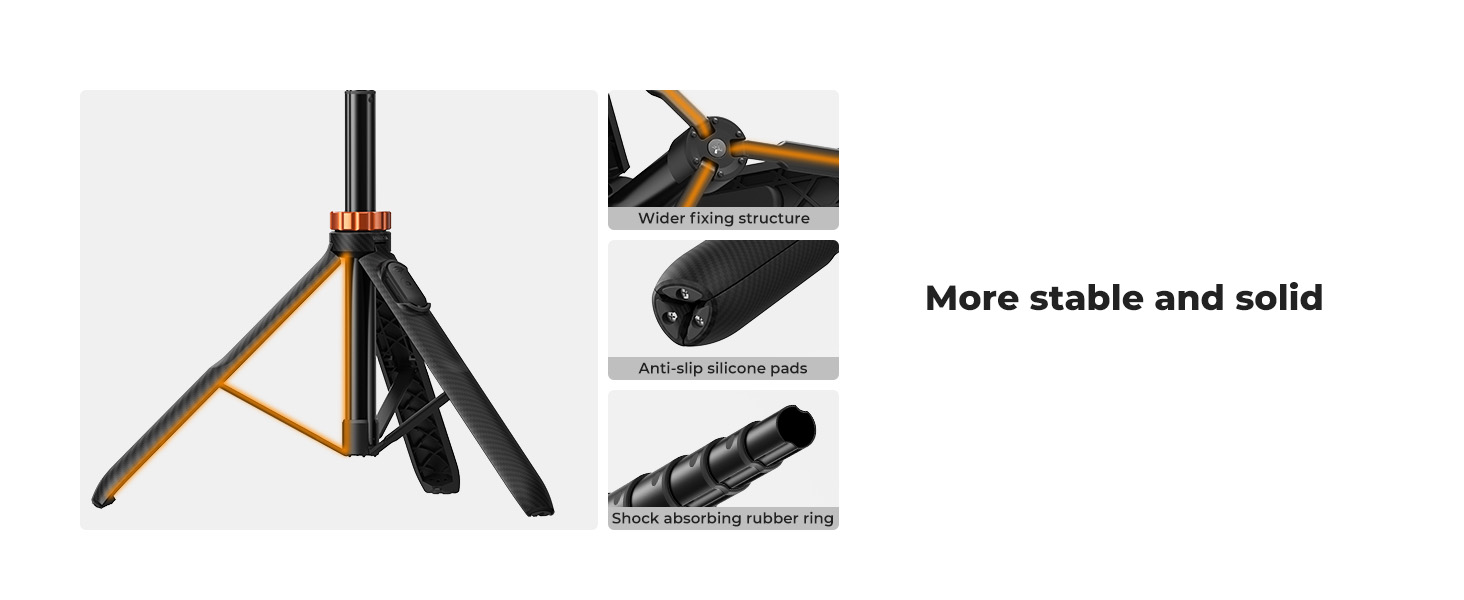
Start by gently pulling the three legs of your tripod stand for iPhone apart until they lock securely in place.
Most tripods for iPhone, including the K&F Concept tripods for iPhone 17, feature adjustable leg sections — just use the flip locks or twist locks to extend them to your desired height.
Make sure your iPhone tripod stands on a flat surface for maximum stability.
Pro tip: When shooting outdoors or on uneven ground, spread the legs wider and use the built-in bubble level (if available) to keep your tripod for iPhone perfectly balanced.
2. Mount Your iPhone 17 Securely
Next, open the iPhone holder for tripod and place your phone right in the center of the clamp.
You can mount your iPhone 17 horizontally for cinematic videos or vertically for Instagram and TikTok.
Ensure the iPhone bracket for tripod grips your device firmly, no wobble or slippage.
A high-quality tripod stand for iPhone like the K&F Concept tripods for iPhone 17 offers a universal holder that fits most phone sizes, keeping your iPhone 17 secure even during active shooting sessions.
3. Adjust the Shooting Angle
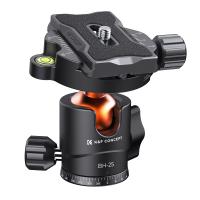
Now that your iPhone 17 is mounted, use the tripod’s ball head or pan-tilt handle to adjust your shooting angle.
Tilt, rotate, or pan smoothly until you find the perfect composition.
The tripod for iPhone Phone 17 can rotate a full 360°, making it ideal for panoramic shots or smooth panning video.
Once your frame looks perfect, lock the position in place — stability is the secret to crisp, clear photos.
4. Use the Wireless Remote for Hands-Free Shooting
The best tripod for iPhone experience includes hands-free control.
Pair the Bluetooth remote with your iPhone 17 by opening your Bluetooth settings and selecting the tripod’s remote name.
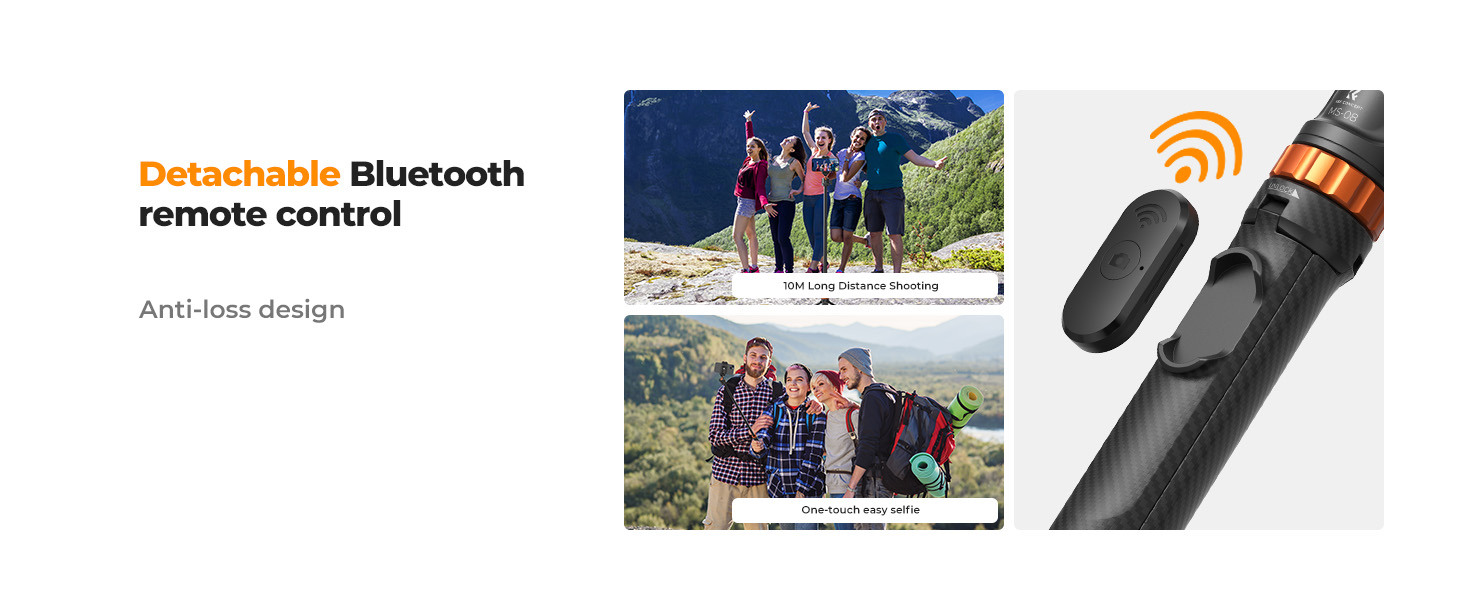
Once connected, you can press the remote button to take photos or start/stop video recording — no need to touch your iPhone 17 and risk shaking your shot.
This makes the tripod stand for iPhone perfect for solo content creators, travelers, and vloggers who want seamless, shake-free recording.
4. Where to buy a tripod for iphone 17?
If you’re ready to take your mobile photography to the next level, you’ll want a sturdy, flexible, and reliable tripod stand for iPhone—not a flimsy one that shakes or slips.
At Kentfaith Australia, we specialize in high-quality tripod for iPhone options trusted by creators worldwide. Here’s why customers love them:
✅ Universal iPhone holder for tripod fits all iPhone models, including iPhone 17 and earlier
✅ Lightweight yet durable materials—perfect for travel
✅ Extendable height for all angles and styles
✅ Bluetooth remote for hands-free selfies and video recording
✅ Compact folding design for easy storage
Explore our full collection of iPhone tripods here: https://www.kentfaith.com.au/phone-tripods
Whether you need an iPhone bracket for tripod for your desk, or the best tripod for iPhone for outdoor photography, Kentfaith has the perfect solution for every creator.
Conclusion
Upgrade your mobile photography with the best tripod for iPhone 17. Capture sharp selfies, cinematic videos, time-lapses, and low-light shots with stability and precision. Kentfaith Australia’s phone tripods feature adjustable height, 360° rotation, secure iPhone holders, and Bluetooth remote control—perfect for travel, vlogging, or social content creation. Explore our full range and take your iPhone photography to the next level: Kentfaith Australia Phone Tripods.
Explore our latest tripod iPhone collection at Kentfaith Australia and experience the perfect blend of style, stability, and performance.