What Is The Best Way To Clean A Camera?
To answer your query professionally, here's a comprehensive guide on the best way to clean a camera.
Maintaining the functionality and longevity of your camera requires regular cleaning, particularly when it’s subjected to different outdoor and indoor shooting environments. Proper cleaning ensures optimal image quality and helps extend the lifespan of your equipment. Below is a carefully crafted guide on how to clean a camera, touching on key tips for different parts of the device.
Before You Start Cleaning
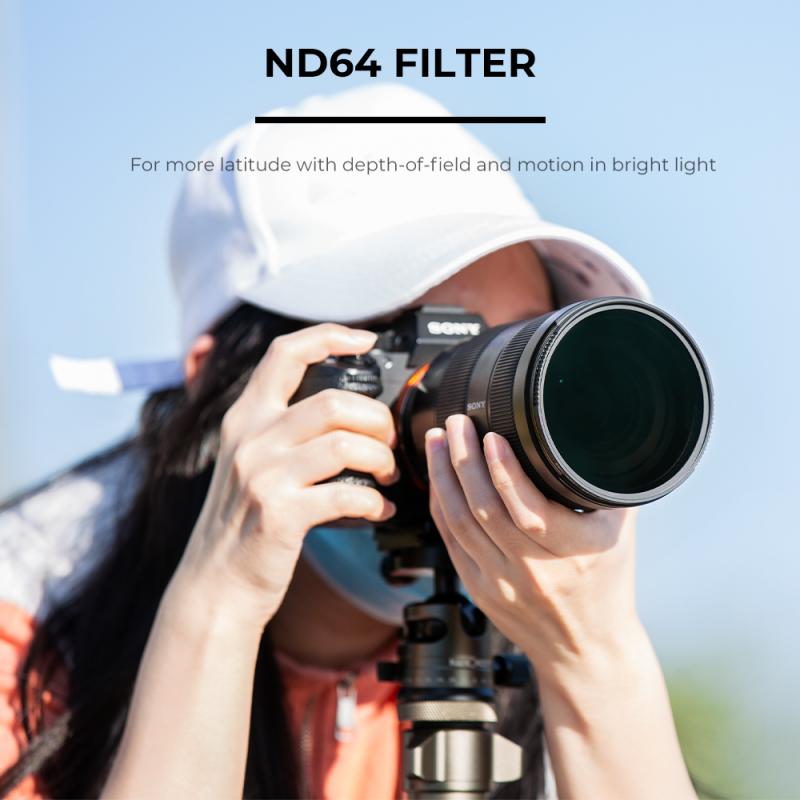
Cleaning your camera isn’t a task to take lightly—it requires preparation and precision. Before beginning, ensure you’re in a dust-free environment and have the right tools on hand. Avoid using household cleaning solutions, as these could damage delicate components of your device. Common items needed include:
- A soft microfiber cloth
- Lens cleaning solution
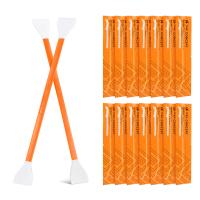
- A specialized camera sensor cleaning kit
- An air blower
- Lens wipes or lens tissue
Cleaning the Camera Body
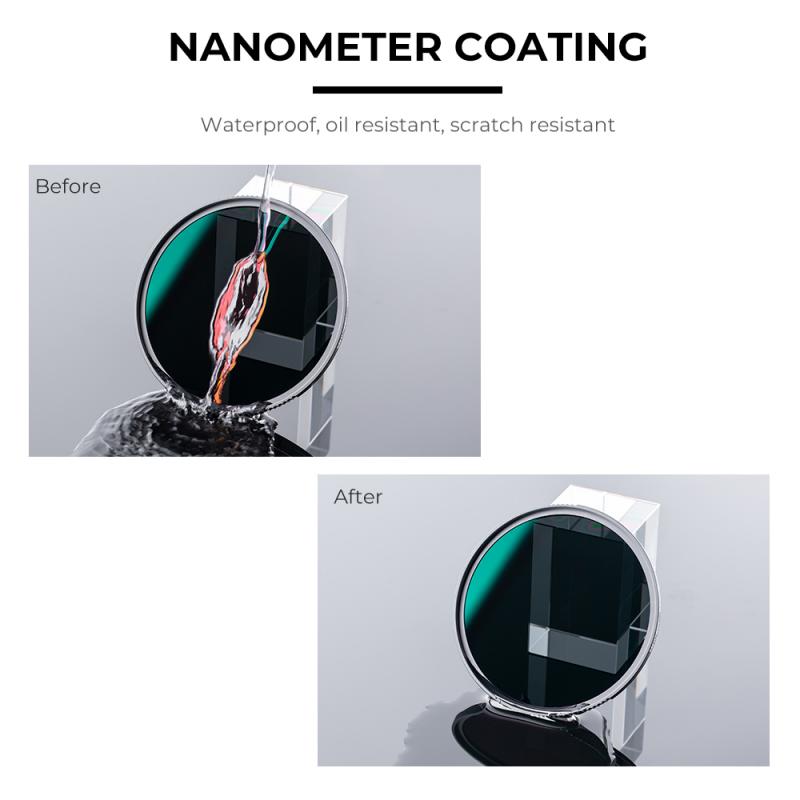
The exterior parts of your camera may accumulate dirt and oils over time, especially if frequently handled or exposed to the elements. To clean the body:
1. Remove Attachments: Detach any accessories, such as the lens, and use protective caps to prevent dust from entering exposed components.
2. Wipe Down the Surface: Use a microfiber cloth with gentle pressure to clean the camera body. Avoid using excessive moisture on areas such as buttons and seams.
3. Dirt in Grooves: Utilize a small soft brush to loosen dirt trapped in seams and crevices.
Cleaning the Lens
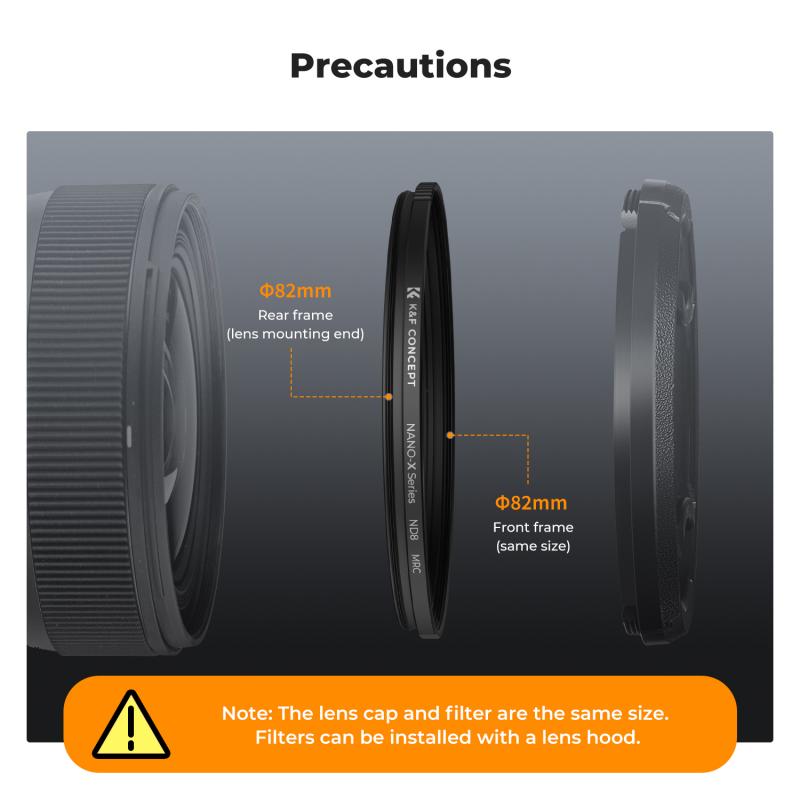
The lens is arguably the most critical component of a camera. Any smudges, dust, or scratches can compromise your image quality. To clean effectively:
1. Start With an Air Blower: This helps dislodge large particles or dust without applying contact pressure to the lens, which might result in scratches.
2. Use Cleaning Solution: Apply a few drops of lens cleaning solution to a microfiber cloth or lens tissue. Avoid using excessive liquid which could seep into the lens edges.
3. Circular Motion: Clean the lens in a circular motion from the center outward to remove smudges.
Tip: For stubborn dirt, lens wipes pre-moistened with cleaning solution are highly effective.
Sensor Cleaning

Cleaning a sensor should be approached with caution, as it’s the most sensitive part of your camera. You should only attempt sensor maintenance if absolutely necessary.
1. Automatic Sensor Cleaning: Check your camera manual to see if it comes with a built-in sensor-cleaning function that vibrates dust particles off.
2. Manual Cleaning: If manual cleaning is required, use an air blower to rid the surface of dust particles. When this doesn’t suffice, follow up with tools from a professional sensor-cleaning kit.
Warning: Never use your breath or canned air directly on the sensor, as condensation and residue particles could cause severe damage.
Cleaning the Viewfinder
The viewfinder may accumulate smudges or particles, potentially disrupting precision during shooting. Use a microfiber cloth and gently clean both the exterior and interior surfaces of the viewfinder. If the smudges are persistent, a tiny bit of cleaning solution may be used — ensure to avoid dripping liquid directly onto the device.
Cleaning Accessories
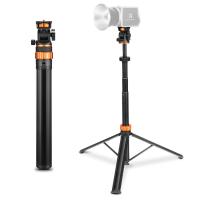
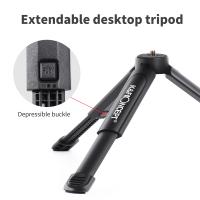
Camera accessories like straps, cases, and tripods can also collect dust and grime over time. For straps and soft cases, soak them lightly in warm soapy water, rinse thoroughly, and air-dry. For tripods, ensure the locking mechanisms are free from debris for smooth operation.
Frequency of Cleaning
Cleaning frequency depends on usage and environment. If shooting outdoors or in dusty conditions, clean your camera more regularly. Avoid over-cleaning, which can lead to wear and tear.
Professional Servicing
If certain camera components like sensors or internal parts remain dirty despite regular maintenance, consider professional servicing. Authorized service centers have specialized tools and expertise, ensuring your camera remains protected.
Cleaning a camera involves precision, patience, and the right tools. By following these steps and taking the necessary precautions, you can preserve your camera’s performance and extend its lifespan. Regular cleaning not only protects your equipment but ensures consistent high-quality results in your photography projects.